Features How it works Pricing
Sign in Get started free

Never forgetto post again.

The daily posting companion for solo creators and consultants. It tells you what to post, reminds you every morning, and learns what works for you.

Start for free See how it works
Free plan availableNo credit card requiredReminders on your phone
A LOOK INSIDE INSIGHTBOLT

Plus the tools to write it fast.

Real screens from the app: the writing tools that help you post.
InsightBolt Repurpose studio screen shown inside the app.
Repurpose studioShape one idea for each channel.
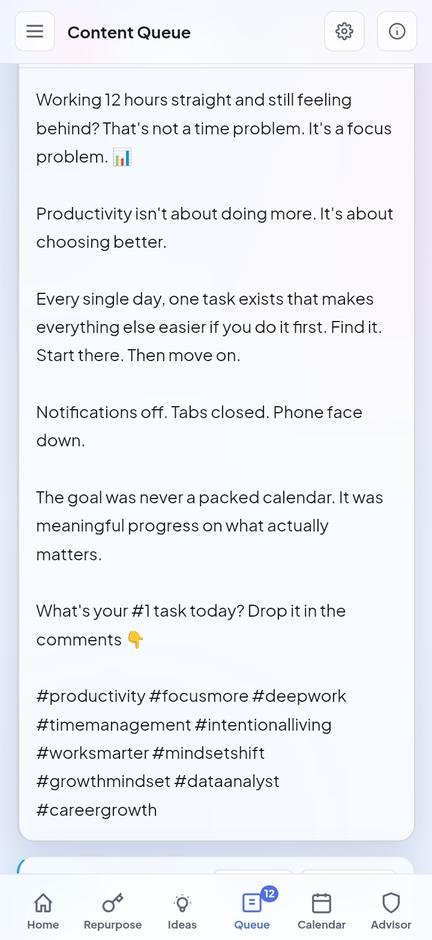
InsightBolt Content queue screen shown inside the app.
Content queueKeep drafts ready for your next post.
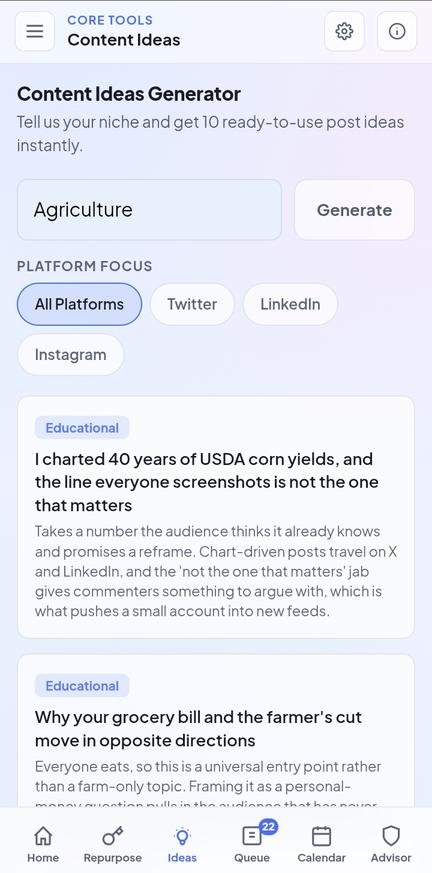
InsightBolt Content ideas screen shown inside the app.
Content ideasFind fresh ideas for your audience.
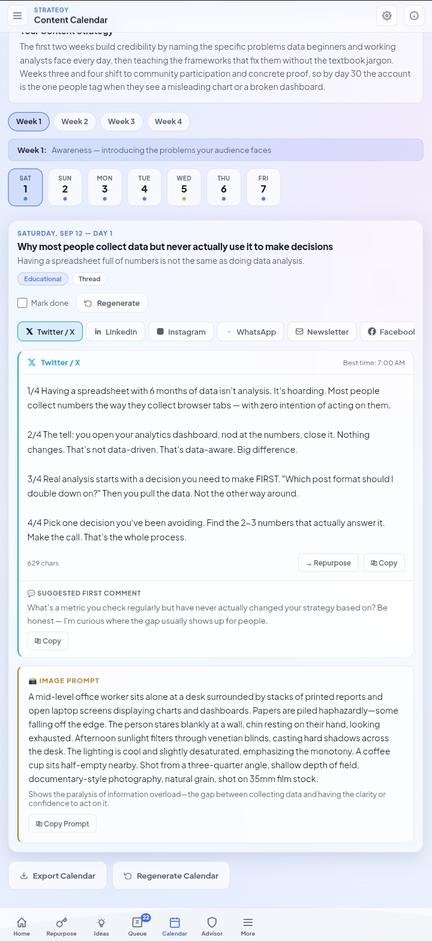
InsightBolt Content calendar screen shown inside the app.
Content calendarPlan a month of posts in one view.
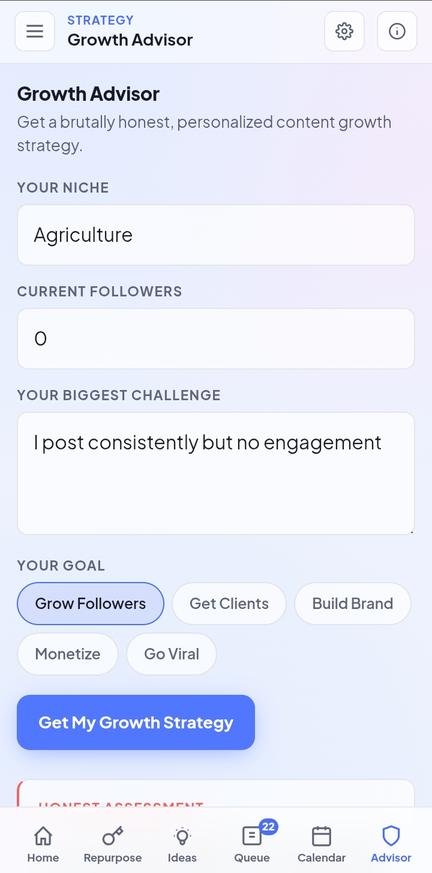
InsightBolt Growth advisor screen shown inside the app.
Growth advisorTurn your goals into practical next steps.
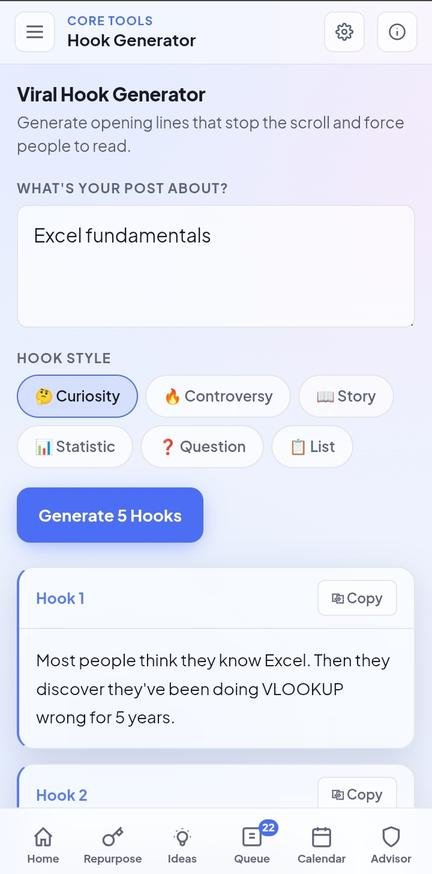
InsightBolt Hook generator screen shown inside the app.
Hook generatorGive your next post a stronger opening.
A SAMPLE WORKFLOW

One idea, shaped for each channel.

This example uses a topic from the app screens above. Each draft has its own format and voice.

START WITH THIS IDEA

Why do people collect data but still struggle to make clear decisions?

Try your own idea
XSHORT POST

A spreadsheet full of numbers does not make a decision for you. Start with one question, find the numbers that can answer it, then decide what to do next.

LinkedInPROFESSIONAL POST

A useful analysis begins before the chart. Write down the decision you need to make, then choose the numbers that can inform it. Keep the report focused on a clear next step.

InstagramCAPTION

Numbers are not the decision. Ask one clear question, find the numbers that help answer it, and choose your next step.

Illustrative examples based on a real app topic. Review every draft before you publish.

A friend that keeps you posting

Plan, remember, and learn. Then write faster with the tools below.

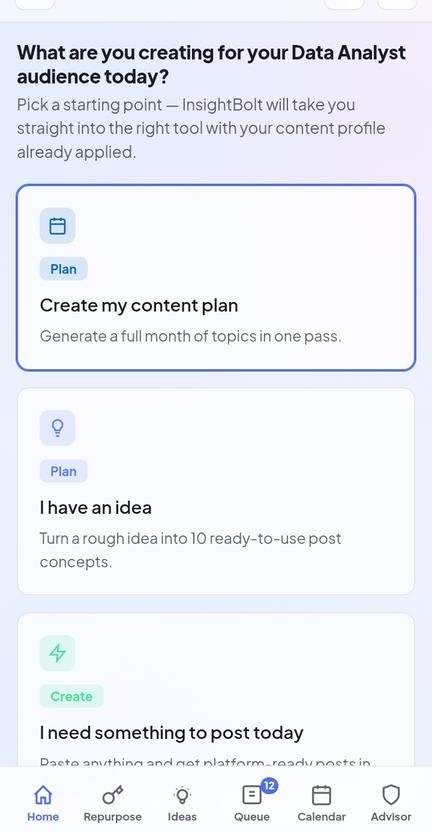
Know what to post today

Open the app and your post for today is ready, with captions for each of your platforms.

A nudge every morning

Get a short reminder on your phone at the time you choose. If you already posted, it stays quiet.

Learn what works

Tap how each post did. InsightBolt spots patterns in your own results and tells you what to do next.

Adapt content for each channel

Turn a source idea into drafts shaped for the formats and tone of the platforms you use.

Keep your voice consistent

Use Brand Voice to guide your drafts toward the way you already communicate.

Plan beyond today

Build a 30 day calendar with themes and ideas to make publishing more manageable.

From "what do I post?"
to posted

1. Say what you post about
Tell InsightBolt your topic and where you post. Pick any platform. It can suggest ideas and write the captions.
Twitter LinkedIn Instagram WhatsApp
2. Get your post each day
Your post for today is waiting, and a morning reminder reaches you on your phone. Copy the caption and publish.
3. Tap how it did
One tap after you post. Over time InsightBolt shows what works for you and what to try next.

Start free. Upgrade when
you're ready to grow.

Free
$0
Forever free
  • 5 free AI generations to try the tools
  • Access to all 16 tools
  • Drafts for X, LinkedIn, Instagram, WhatsApp, newsletters, and Facebook
  • Brand Voice saved
  • Post history
Get started free

Frequently asked questions

No. You publish on your own platform as usual. InsightBolt plans what to post, reminds you, helps you write it, and keeps track of how it did.
Turn it on in Daily Post and pick a time. You get one short notification a day on that device. On Android and computers it works in the browser. On iPhone, first add InsightBolt to your Home Screen.
Daily Post works for any platform you choose, including YouTube, TikTok, Instagram, LinkedIn, X, Facebook, Threads and Pinterest. The writing tools shape drafts for Twitter, LinkedIn, Instagram, WhatsApp, newsletters, and Facebook.
Yes. No card is required. You get five free generations to try the tools. Each successful generation uses one credit. Pro removes the generation limit.
Yes, using Brand Voice Trainer. Paste a few examples of your best posts and every tool in InsightBolt will match your tone instead of writing generic AI copy.
You do. InsightBolt does not claim rights over your generated posts. Use them for your work, your brand, or your clients.
Yes. Pro is billed monthly. Cancel in your account settings whenever you like. Your access continues through the billing period.

Stop forgetting.
Start posting.

Pick what to post about. Let InsightBolt remind you each morning and keep track of what works.

Get started. It is free