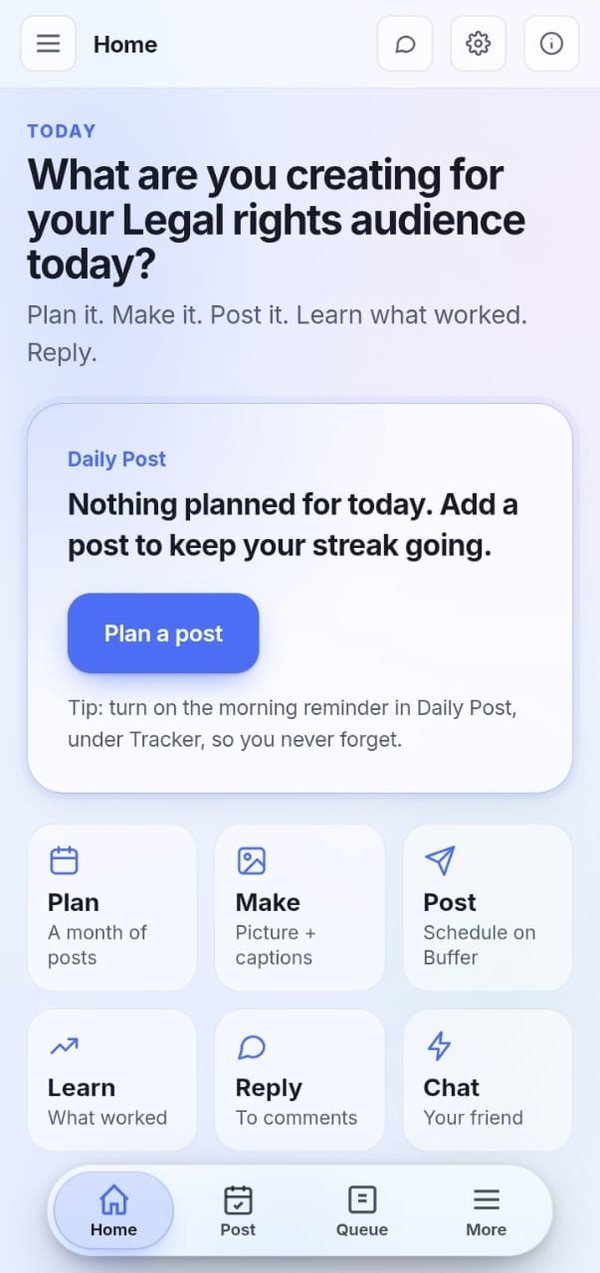
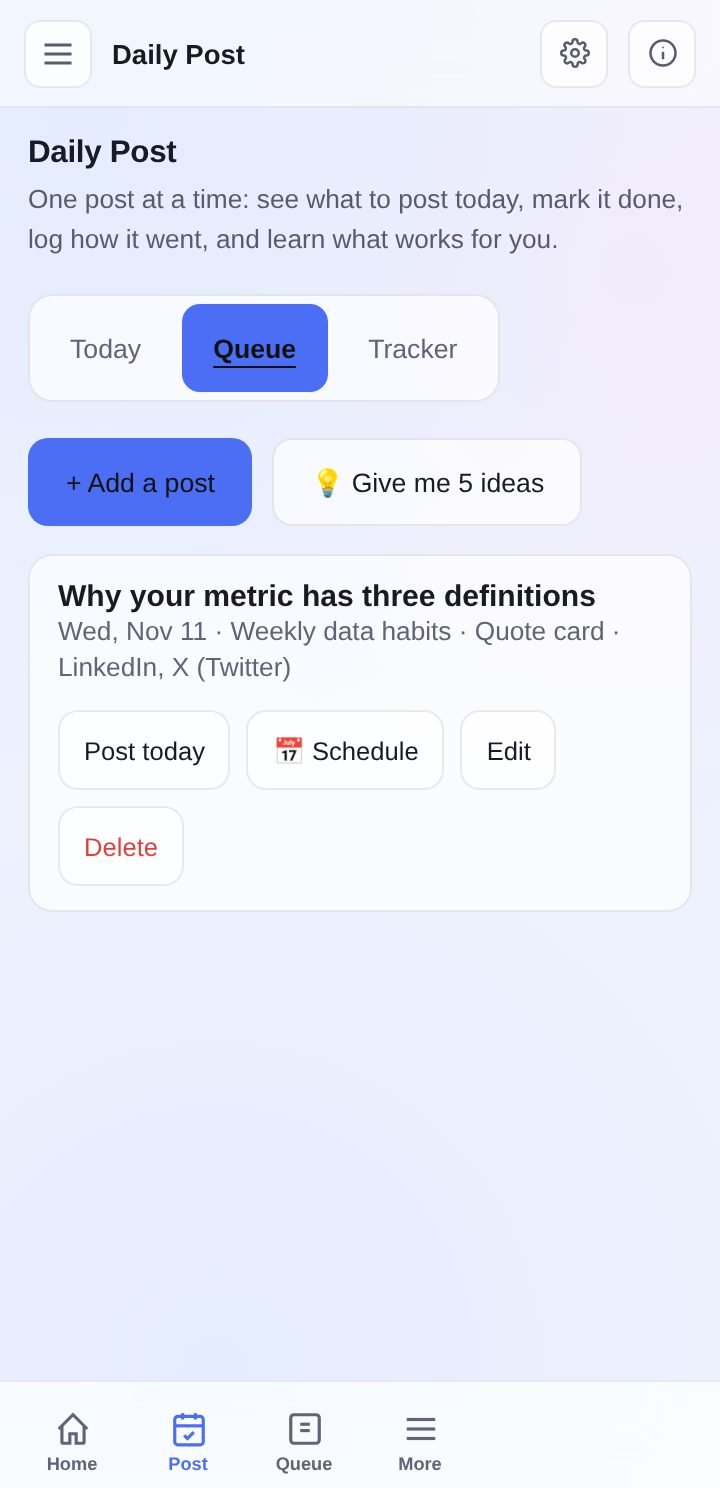
The daily posting companion for solo creators and consultants. It tells you what to post, makes the picture, schedules it, helps you reply to comments, and learns what works for you.
A spreadsheet full of numbers does not make a decision for you. Start with one question, find the numbers that can answer it, then decide what to do next.
LinkedInPROFESSIONAL POST
A useful analysis begins before the chart. Write down the decision you need to make, then choose the numbers that can inform it. Keep the report focused on a clear next step.
InstagramCAPTION
Numbers are not the decision. Ask one clear question, find the numbers that help answer it, and choose your next step.
Illustrative examples based on a real app topic. Review every draft before you publish.
A friend that keeps you posting
One flow: plan, make, post, learn, reply.
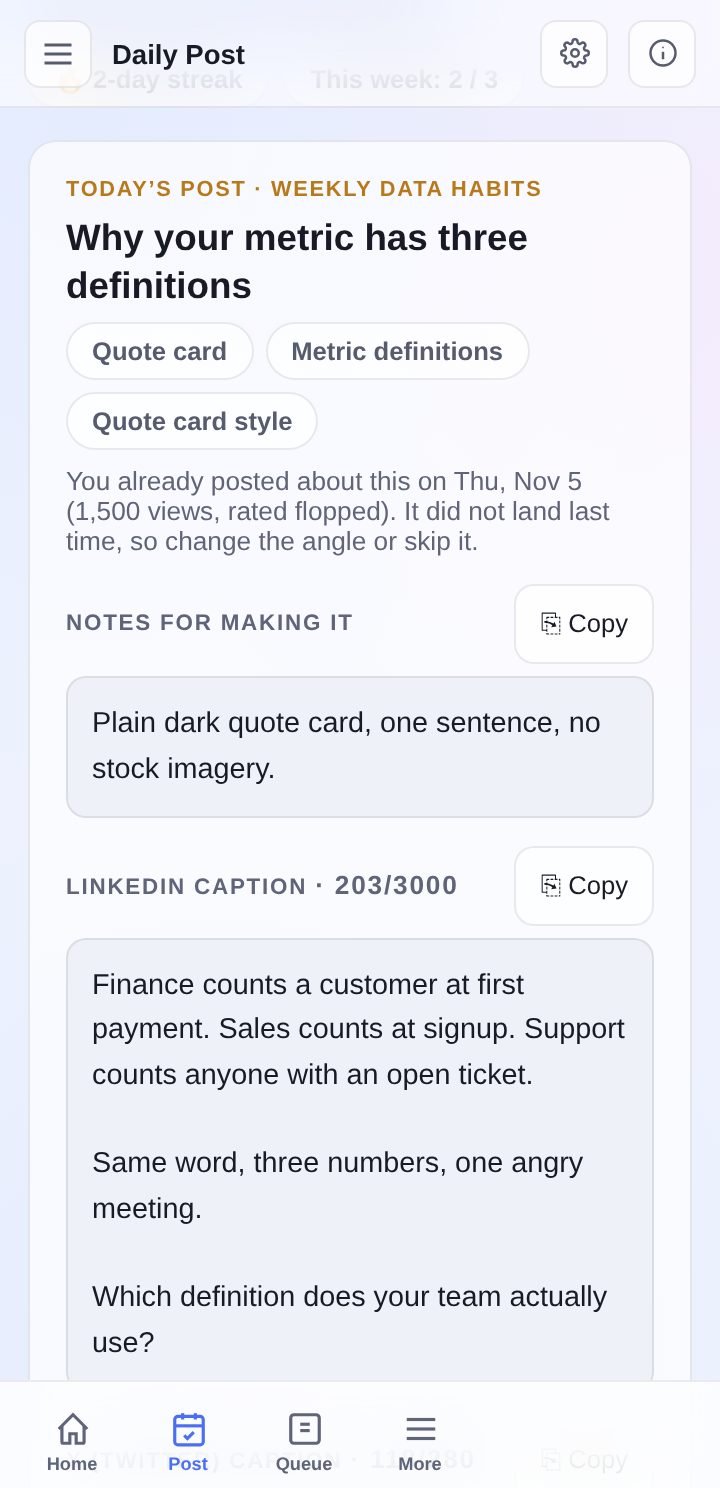
Know what to post today
Open the app and your post for today is ready, with captions for each of your platforms.
A nudge every morning
A short reminder on your phone at the time you choose. If you already posted, it stays quiet.
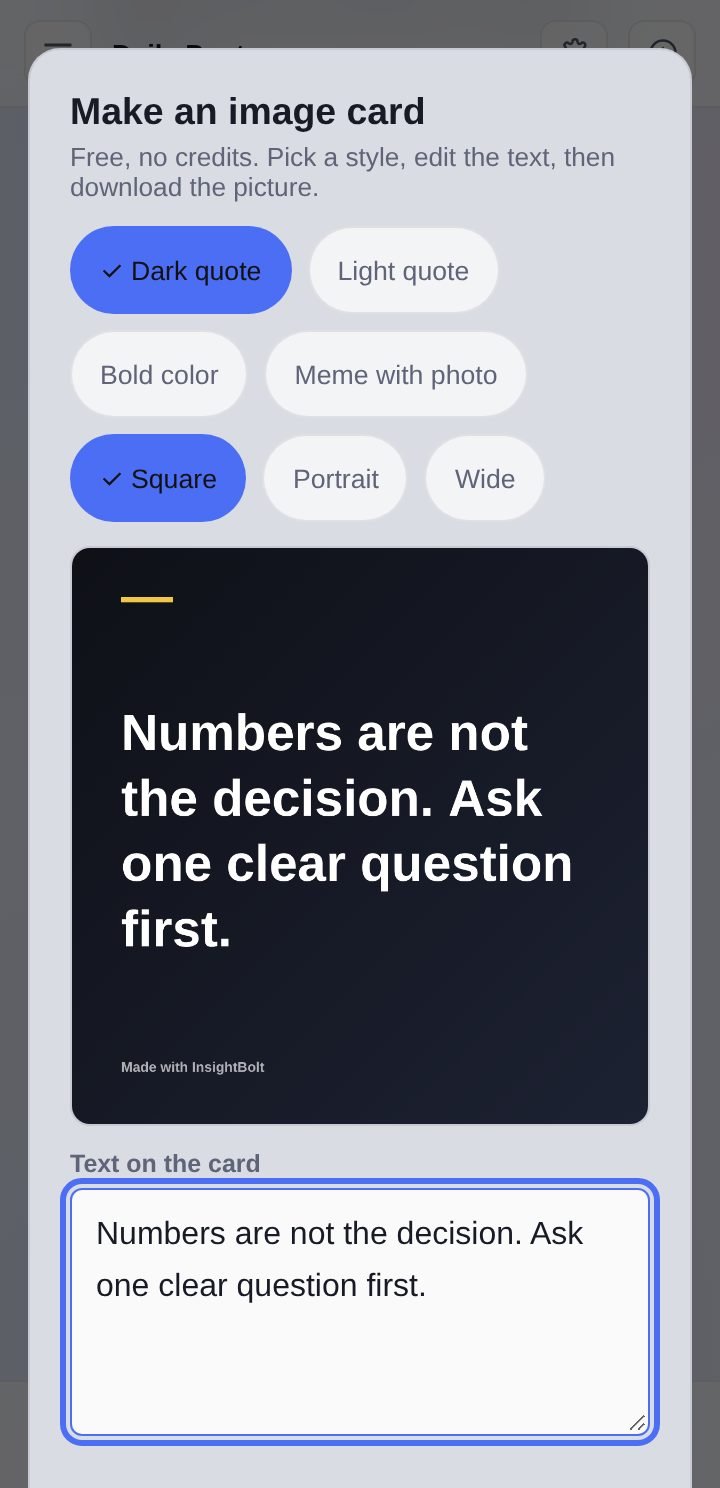
Pictures for your posts
Make a clean text card in seconds, or add an AI picture behind it. Free accounts get a few a day.
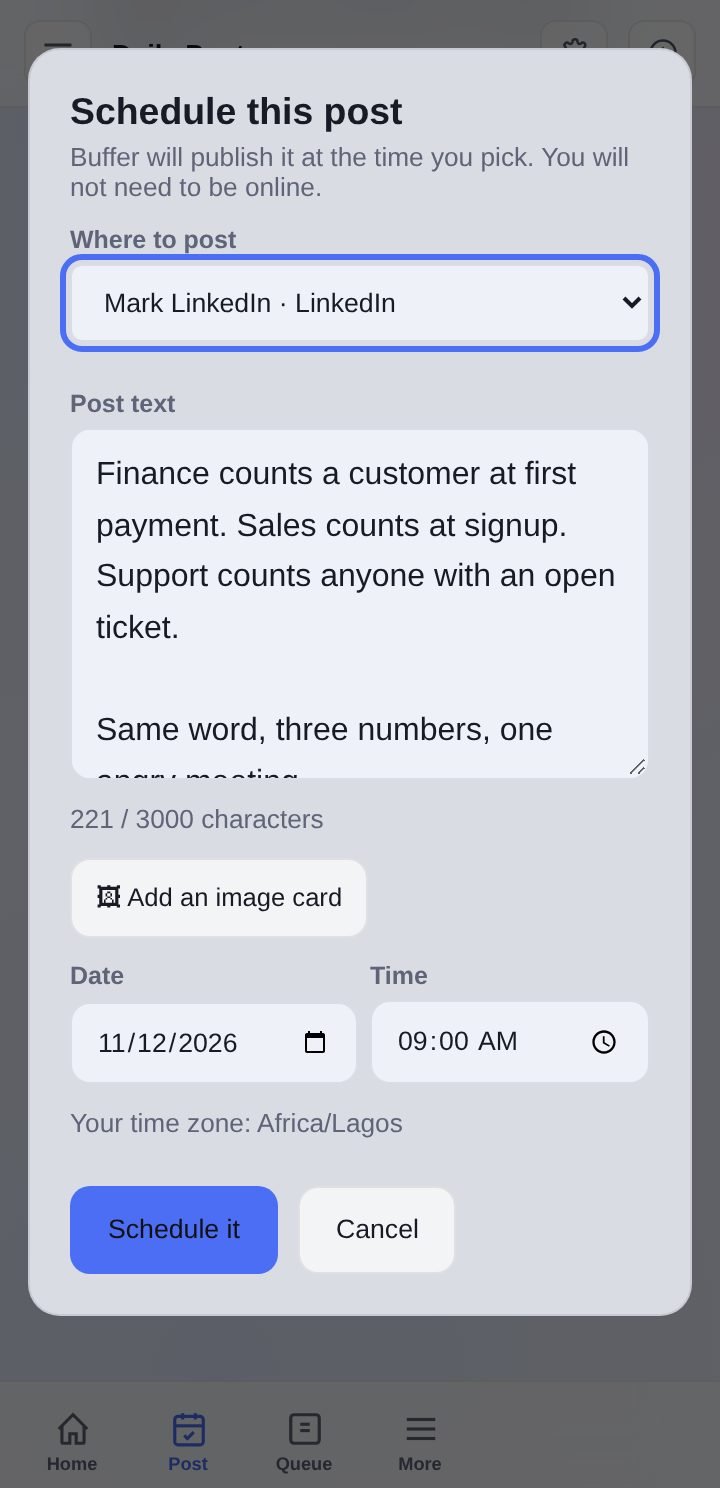
Schedule with Buffer
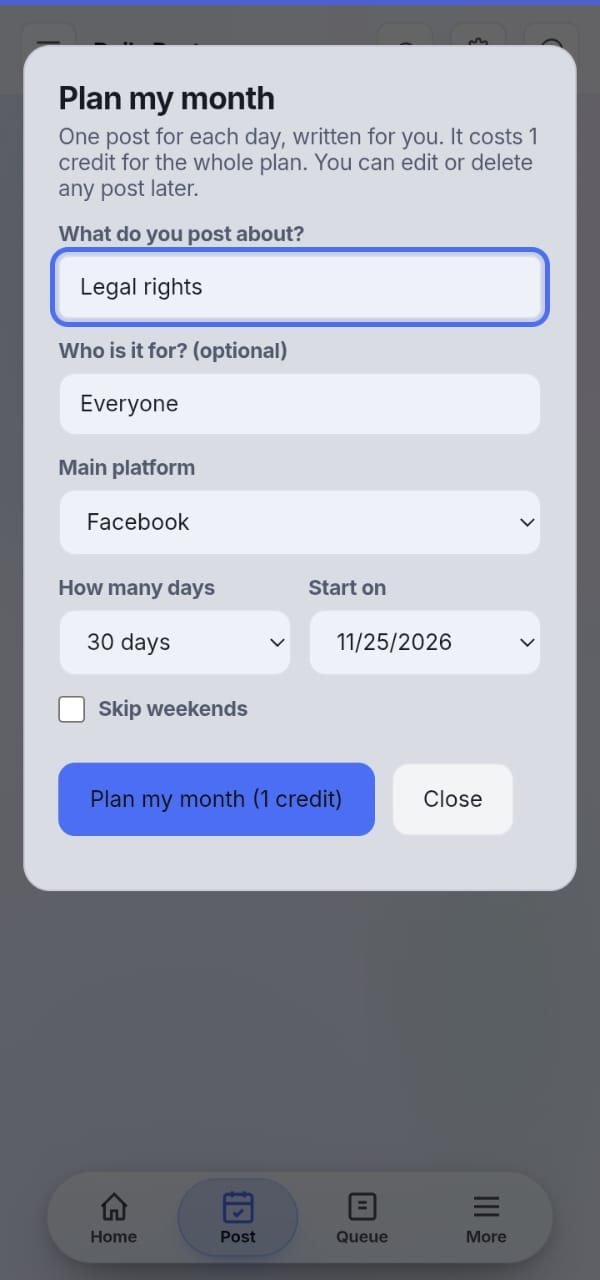
Plan a month of posts in one go, then send them to your own Buffer account for a set time each day. Works for Facebook, LinkedIn, X, Instagram and more.
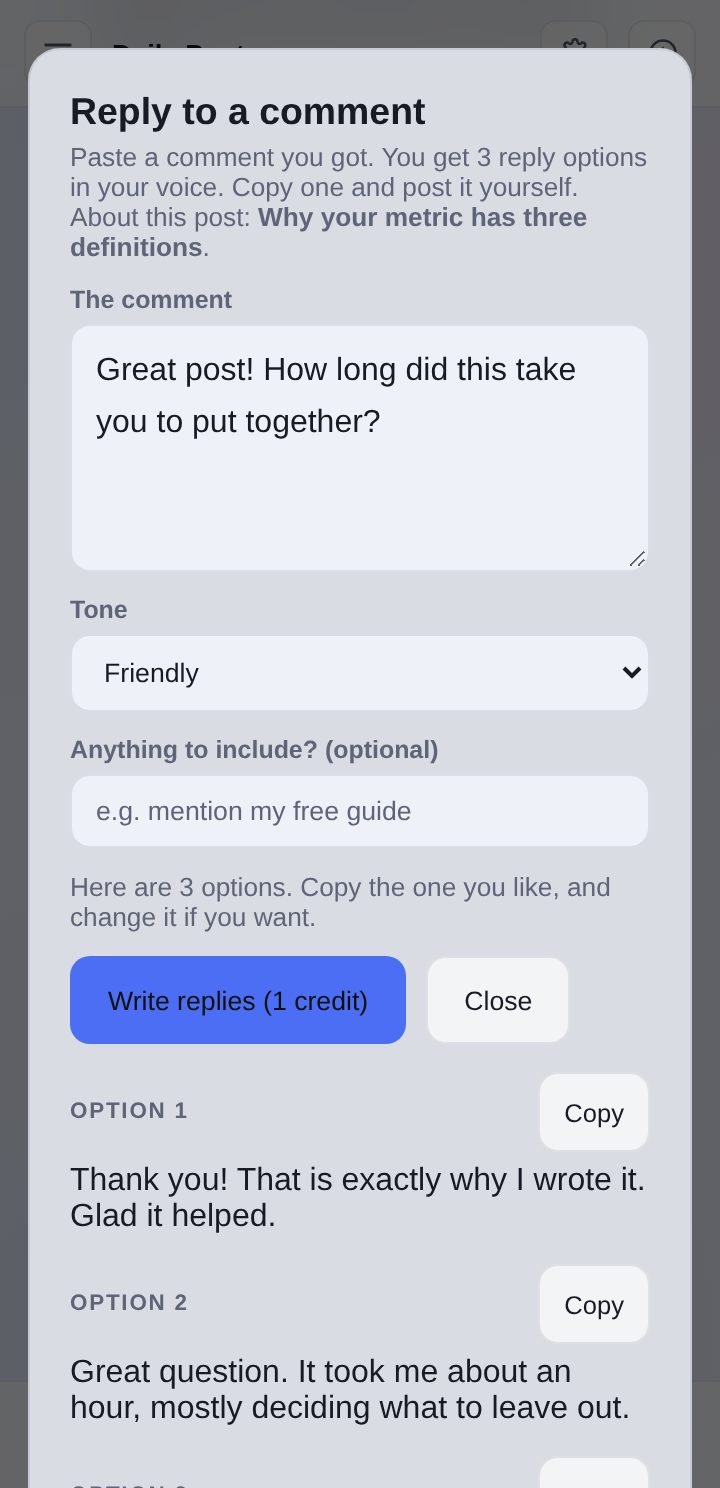
Reply to comments
Paste a comment and get three replies in your voice. You copy one and post it yourself.
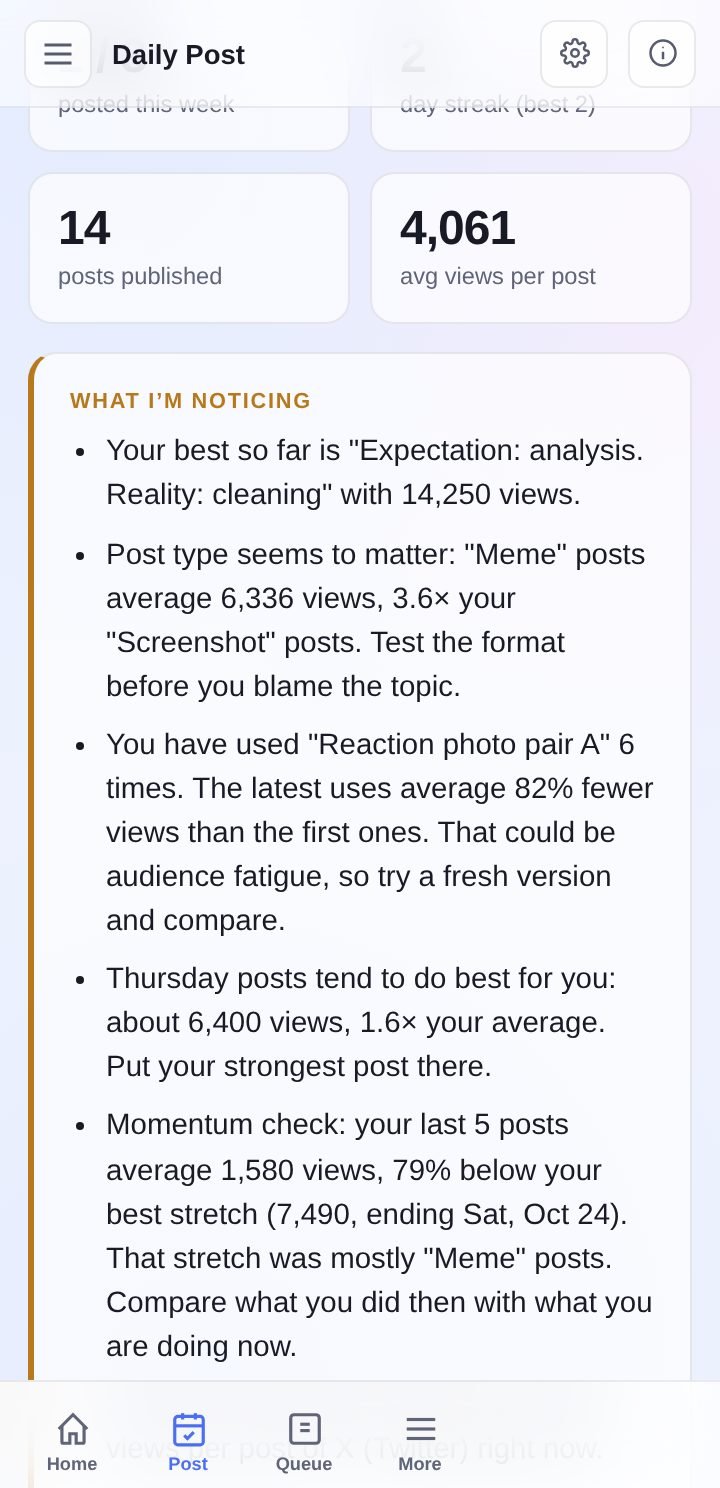
Learn what works
Tap how each post did and chat with a friend who knows your streak. It spots patterns in your own results and says what to try next.
YOUR POSTING FRIEND
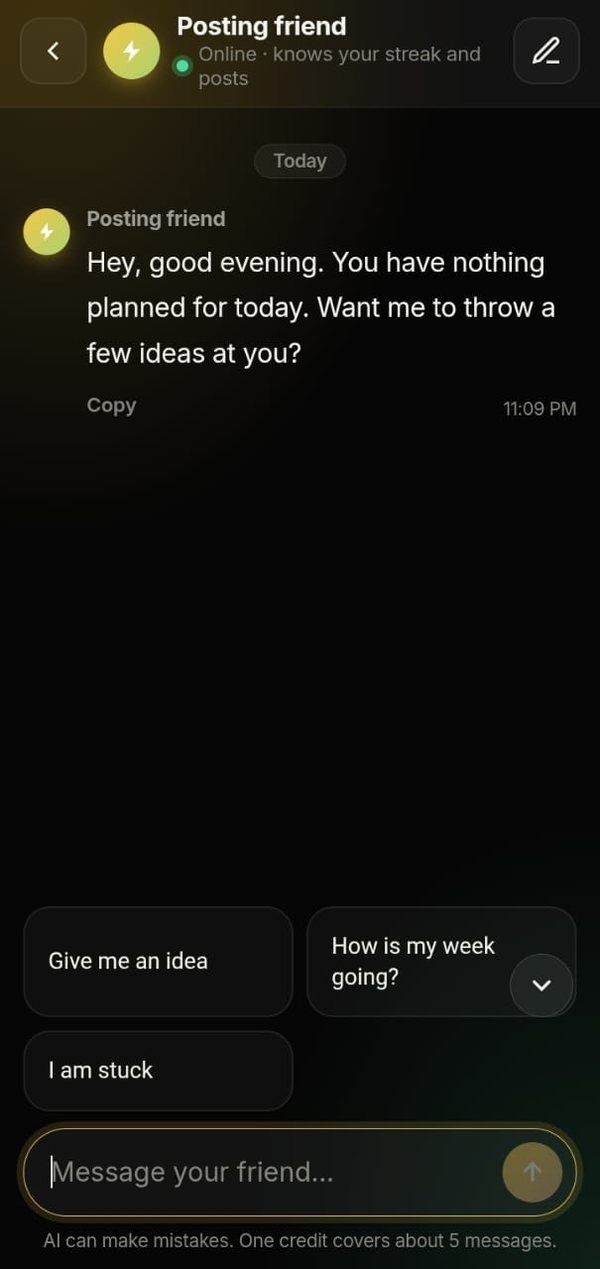
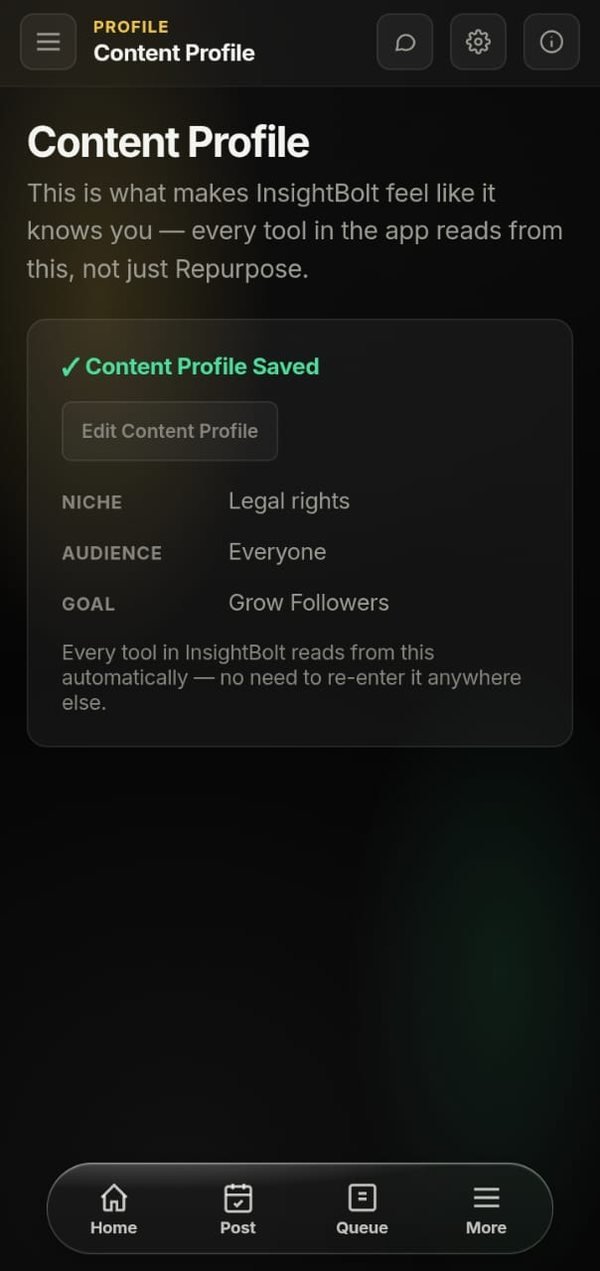
Tell it once. It remembers.
Set your topic and who you post for one time. After that, every plan, post and reply starts from you, not from a blank page.
Ask for an ideaStuck? Your friend suggests what to post today and can write it with you.
It sees your streakIt knows what you posted, what you skipped and what worked, from your own results.
It does the next stepMake the picture card or send the post to your Buffer queue from the chat.
ChatGPT writes when you ask. InsightBolt is the routine around it: a month of posts planned in one go, today's post waiting for you, a picture for it, scheduling through Buffer, and a place to log how each post did so the next plan improves. If you only need an occasional draft, a chatbot is enough. If you want to post regularly without thinking about it, that is what this is for.
Not by itself. By default you copy the post and publish it yourself. If you connect your own Buffer account, you can schedule a post for a set time from InsightBolt. TikTok and YouTube need video, so they are not supported yet.
Yes. It makes text cards, and it can add an AI picture behind the text. Free accounts get 3 AI pictures a day and Pro gets 15. AI is not good at lettering, so your words are added on top by InsightBolt. It does not make video yet.
Yes. Tell it what you post about and it writes one post for each day for 7, 14 or 30 days, for 1 credit. Each day, Today shows that day's post. To have them post by themselves, connect your own Buffer account. Free Buffer holds only 10 scheduled posts per channel at once, so InsightBolt sends the next 10 and you top it up later.
A friendly check-in chat inside Daily Post. It knows your streak, what you planned and how your recent posts did, and it helps when you are stuck or need an idea. It is an AI, and it only knows what you log in InsightBolt. It cannot see your social accounts. One credit covers about 5 messages.
It helps you reply. Paste a comment and pick a tone, and you get three options written in your voice. It does not read your accounts or post replies for you, so you stay in control.
Turn it on in Daily Post and pick a time. You get one short notification a day on that device. On Android and computers it works in the browser. On iPhone, first add InsightBolt to your Home Screen.
Daily Post works for any platform you choose, including YouTube, TikTok, Instagram, LinkedIn, X, Facebook, Threads and Pinterest. The writing tools shape drafts for Twitter, LinkedIn, Instagram, WhatsApp, newsletters, and Facebook.
Yes. No card is required. You get five free generations to try the tools. Each successful generation uses one credit. Pro removes the generation limit.
Yes, using Brand Voice Trainer. Paste a few examples of your best posts and every tool in InsightBolt will match your tone instead of writing generic AI copy.
You do. InsightBolt does not claim rights over your generated posts. Use them for your work, your brand, or your clients.
Yes. Pro is billed monthly. Cancel in your account settings whenever you like. Your access continues through the billing period.
Stop forgetting. Start posting.
Plan a month of posts, make the picture, and let your friend remind you each morning. Free to start.